
Scale To Win
Connecting to Scale to Win
Note: This App option is only compatible with Scale to Win Text
-
Add DDx API's Service Account [email protected] with
Storage Legacy Bucket Writerpermissions to your GCS bucket.- If you would like the DDx API team to provide a GCS Bucket for you to connect to Scale to Win, please contact us at [email protected]. Need help with setting up those permissions? Review how to Configure Access with GCP!
-
Connect to the Scale to Win App in the DDx API Console from your Console account. More information on how to Connect to an App here.
-
When prompted, provide your GCS Bucket Name and click "Next"!
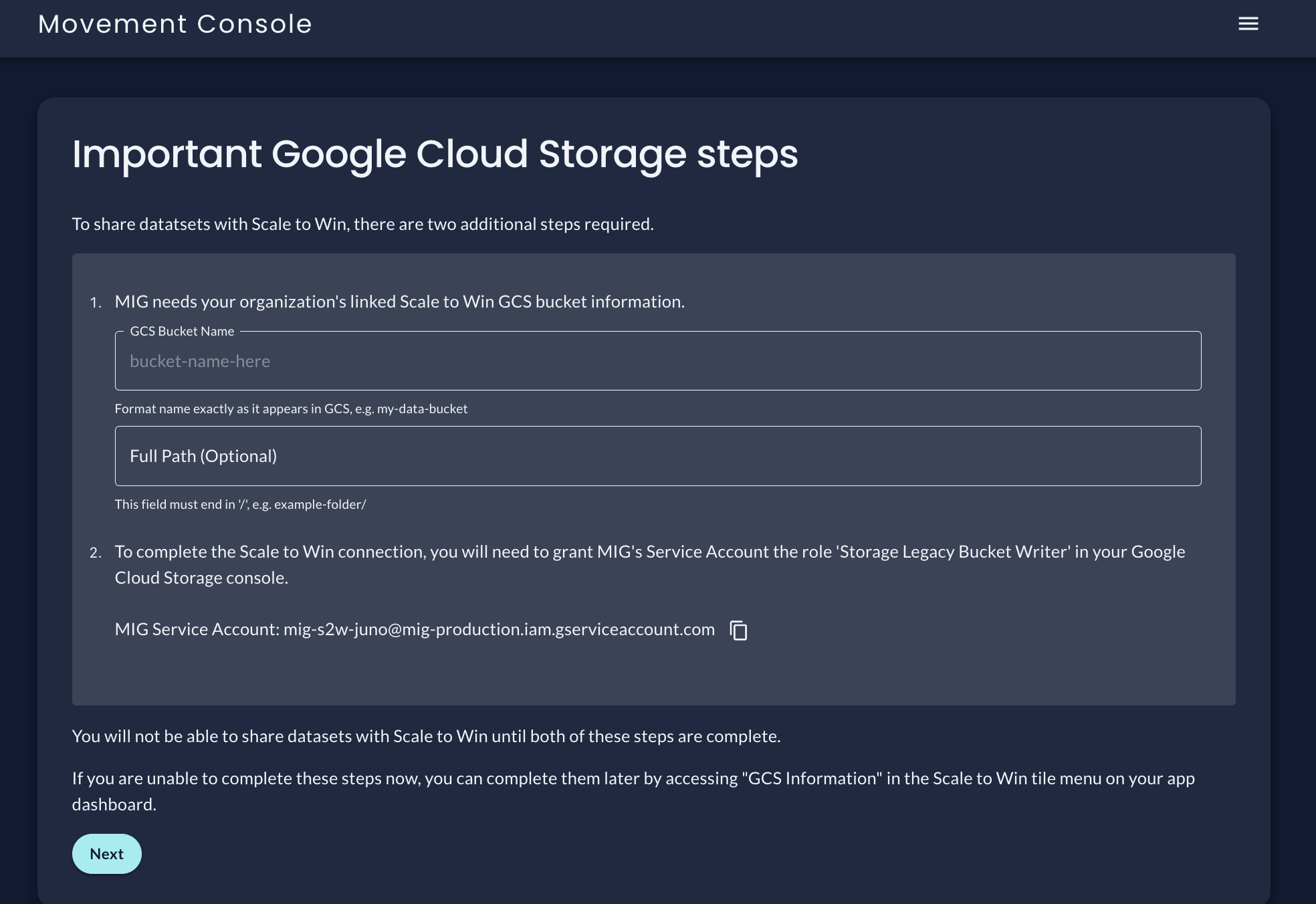
-
Complete! Datasets will be delivered to this GCS Bucket anytime they are submitted to the Dataset Exchange API.
If you have not already connected your GCS bucket to Scale to Win, you will need to complete Scale to Win's Google Cloud Storage Import integration set up for Adding Credentials. Please contact Scale to Win with any questions regarding their integration!
If you would like DDx API to provide a GCS Bucket for you to connect to Scale to Win, please contact us at [email protected].
Updated 6 days ago