
Switchboard
In order to send datasets to Switchboard, you'll need API credentials already set up within Switchboard.
- Email [email protected] to have the API enabled for your organization on Switchboard.
- Visit https://oneswitchboard.com/organization/settings?tab=api and generate new API credentials. You will receive an Account ID and a Secret Key. Note that you will not be able to access the Secret Key again, so be sure to save it somewhere secure.
All datasets going to Switchboard must contain a phone number column.
Connecting to the Switchboard Ap
- In your DDx API Console account, select the "Apps & Workspace ID tab"
- Select "+ Connect a New App".
- Select "Switchboard" from the App options.
- Submit your Switchboard Account ID and Secret Key provided to you by Switchboard.
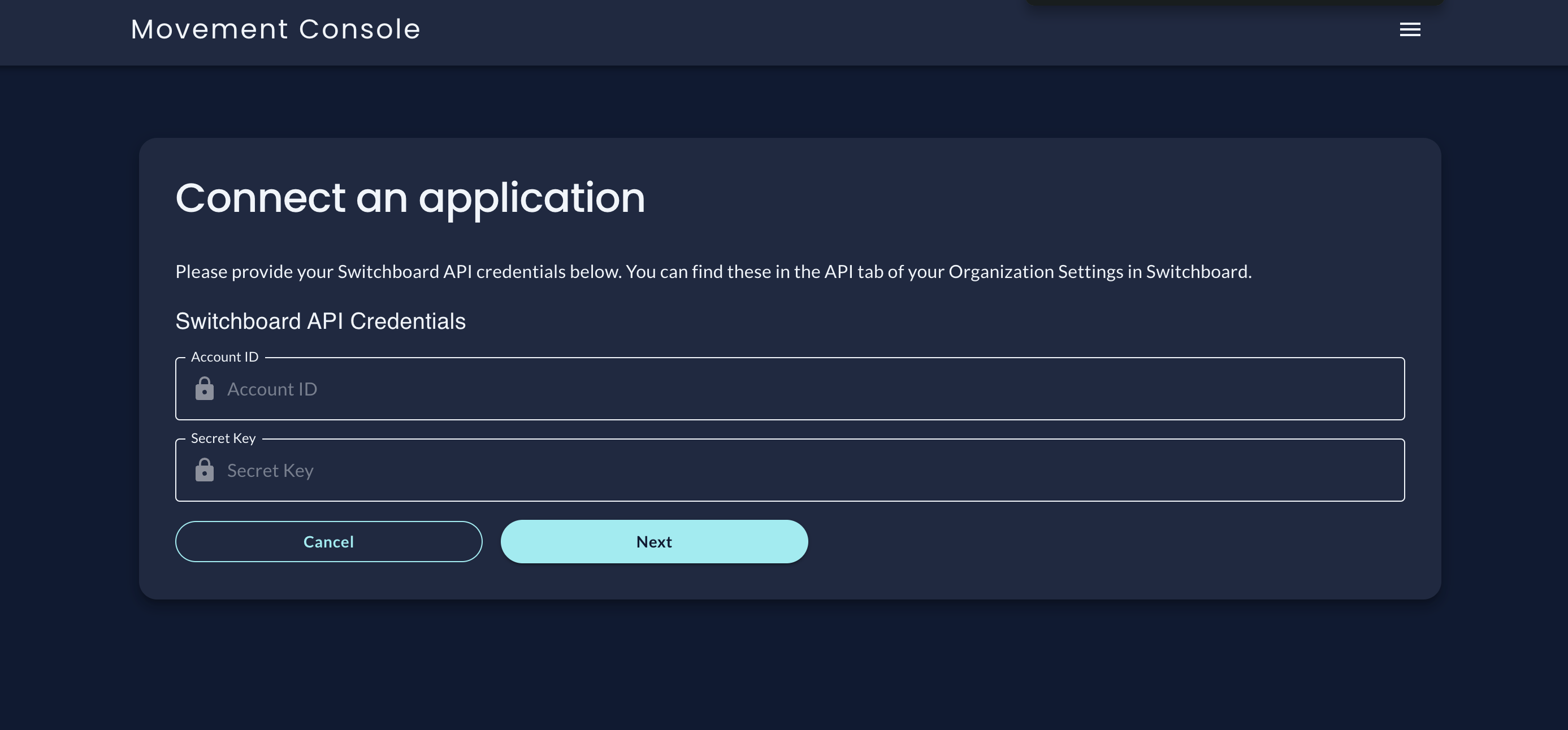
- Select the "Next" button.
- Done!
Once you send datasets to Switchboard, they will appear in the Phone Audiences section of your Switchboard account.
All datasets going to Switchboard must contain a phone number column.
For more information on authenticating with Switchboard, please visit their documentation.
Updated 21 days ago
What’s Next